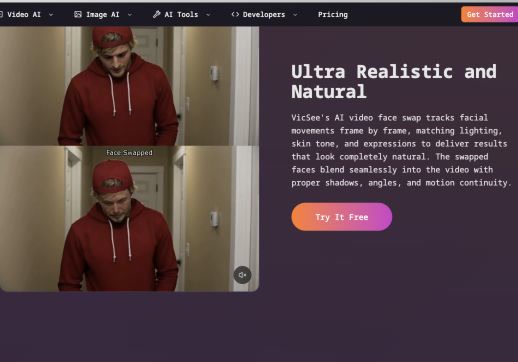
Choose a section where the person stays visible
Tracking is more stable when hands, hair, objects, or other people do not cover the face for long periods.
ClothesChange AI
Swap faces in long videos online. Upload up to 1.5 GB, select any 30-second range free with no sign up, or use Credits for up to 60 minutes. No watermark.
Uploaded files and generated results are automatically deleted after 1 day. Please save your results promptly.
LONG FILE, EXACT RANGE
Upload a 1-minute, 5-minute, 10-minute, or longer video and preview the full file in your browser. Set exact start and end times so the long video face swap covers only the scene you need.
The available free option processes a selected range of up to 30 seconds. With Credits, one selected range can be up to 60 minutes. The upload and the processed range are separate: a long source file does not require you to change every minute.
Selected face-swap range: The limit applies to the part you process, not automatically to the full uploaded video.
THREE STEPS
Choose the file first, then control the exact section before processing.
Choose an MP4, MOV, AVI, or WEBM file up to 1.5 GB. The browser loads the video timeline so you can review the full source.
Move the range controls to the exact scene you want. Use up to 30 seconds with the free option or choose a longer range with Credits.
Upload a clear replacement photo, use Multiple Faces only when the scene needs separate replacements, then create and download the selected range without a watermark.
CLEAR DURATION LIMITS
The limit applies to the part you process, not automatically to the full uploaded video.
| Creation option | Maximum selected range | Account | Best for |
|---|---|---|---|
| Free Start here | Up to 30 seconds | No sign up | Testing a scene or making a short result |
| Credits | Up to 60 minutes | Sign in required | Processing a longer continuous section |
Both options accept supported video files up to 1.5 GB. Credit cost is based on the selected duration and whether face enhancement is enabled.
PLAN THE LONG SECTION
Longer sections contain more movement and scene changes, so the selected range matters.
Tracking is more stable when hands, hair, objects, or other people do not cover the face for long periods.
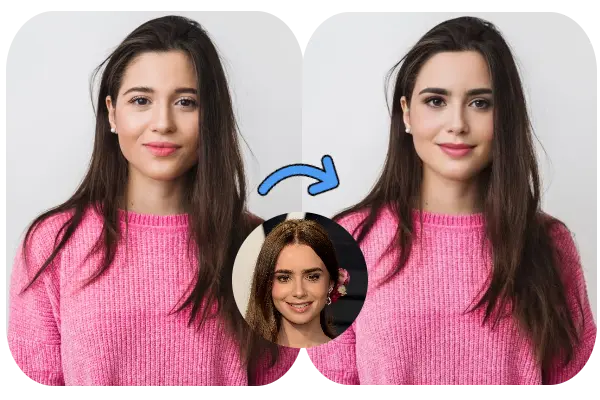
A sharp, front-facing replacement photo with matching light and head direction gives the AI better detail to follow.
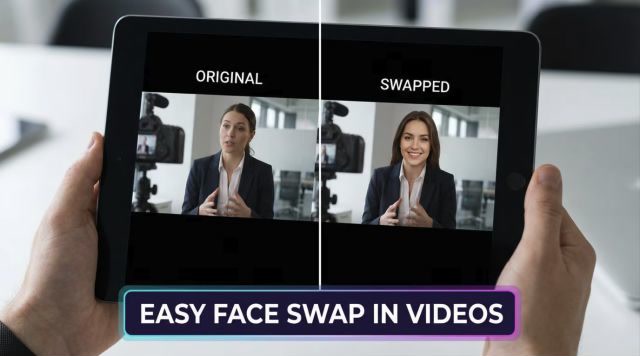
If the person disappears or the camera cuts to a different scene, process separate ranges instead of forcing one long section.
LONG VIDEO QUESTIONS
Answers about free use, duration, uploads, accounts, and long-video limits.
Yes. Upload the long source file and process a selected range of up to 30 seconds for free. The free option does not require sign up, and the result has no ClothesChange AI watermark.
The free option supports a selected range of up to 30 seconds. With Credits, one selected video range can be up to 60 minutes. Set the exact start and end times before creating.
Yes. You can upload a supported long video file up to 1.5 GB, preview its timeline, and choose the section you want to process. The selected range follows the free or Credit limit shown above.
No. You can upload a long source and choose the exact part, but free processing is limited to a selected range of up to 30 seconds. To process a longer continuous section, sign in and use Credits for up to 60 minutes.
Yes for the available free 30-second range. No account is needed for that free use, and completed results do not receive a ClothesChange AI watermark. Credits and account history require sign in.
Yes. Use Single Face for one person or Multiple Faces to detect people on a clear frame and assign a separate replacement photo to each selected person.
MORE FACE SWAP TOOLS
Use AI Video Face Swap for everyday clips, or Multiple AI Face Swap when several people need different replacement faces.
Upload the source, mark the exact start and end, and try a 30-second long video face swap free online.